Activating your <var class="keyword">
<div style="display: inline;">
RingCentral
</div></var> account
=====================================================================================================

Once onboarded, you'll need to activate your <var class="keyword">
<div style="display: inline;">
RingCentral
</div></var> account. Admins will receive an activation email after purchasing a <var class="keyword">
<div style="display: inline;">
RingEX
</div></var> license or starting a free trial. Users will receive an activation email after an admin assigns a license to them.

## Desktop & web

* Click **Set up your account** in the activation email.  
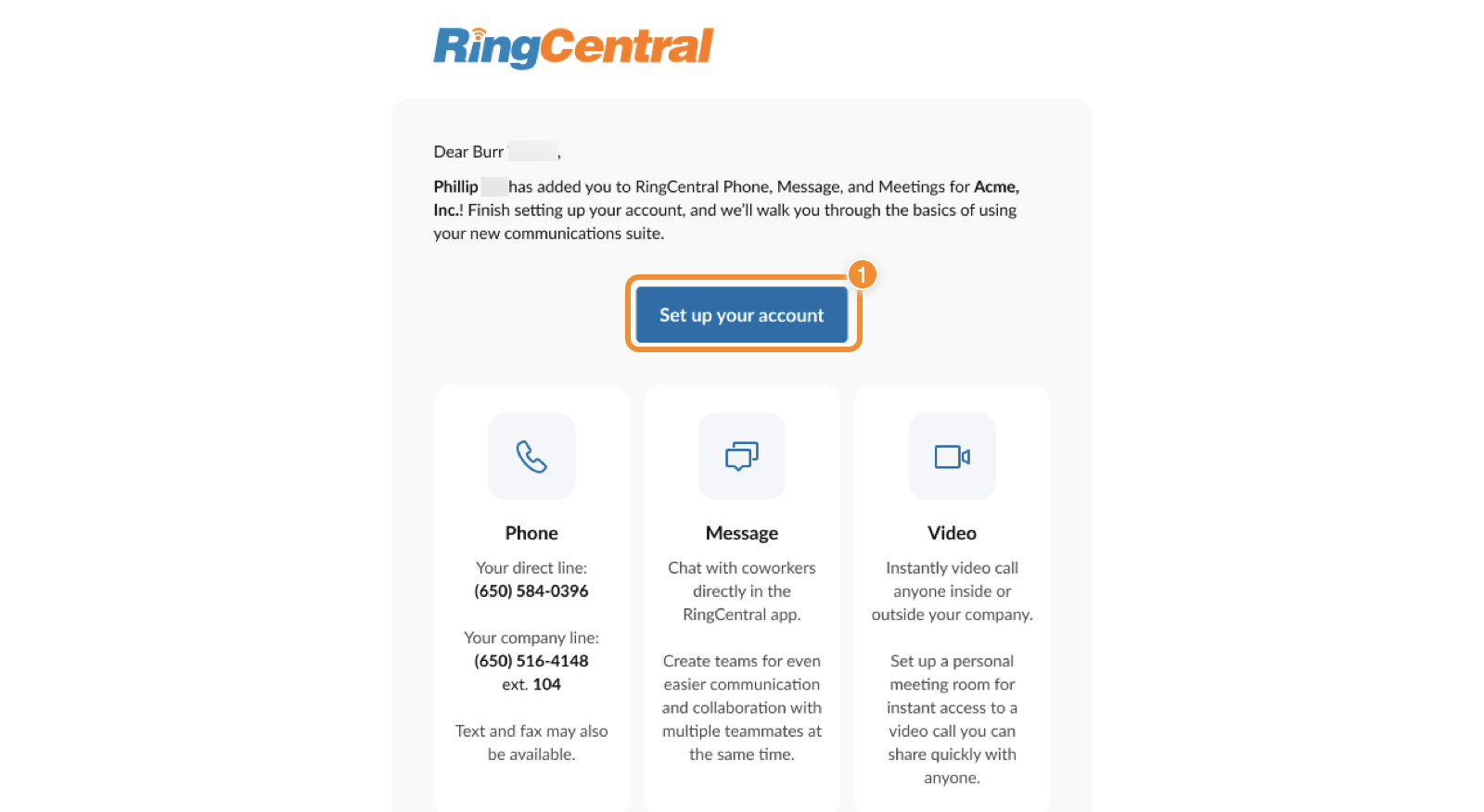
  ![Activate Account in the activation email](https://assets.ringcentral.com/content/dam/xml-assets/doc_team/en_us/ringcentral/mvp/Get_Started/Activating-your-account/images/set-up-account-activation.png)
* Once redirected, click **Let's get started** .  
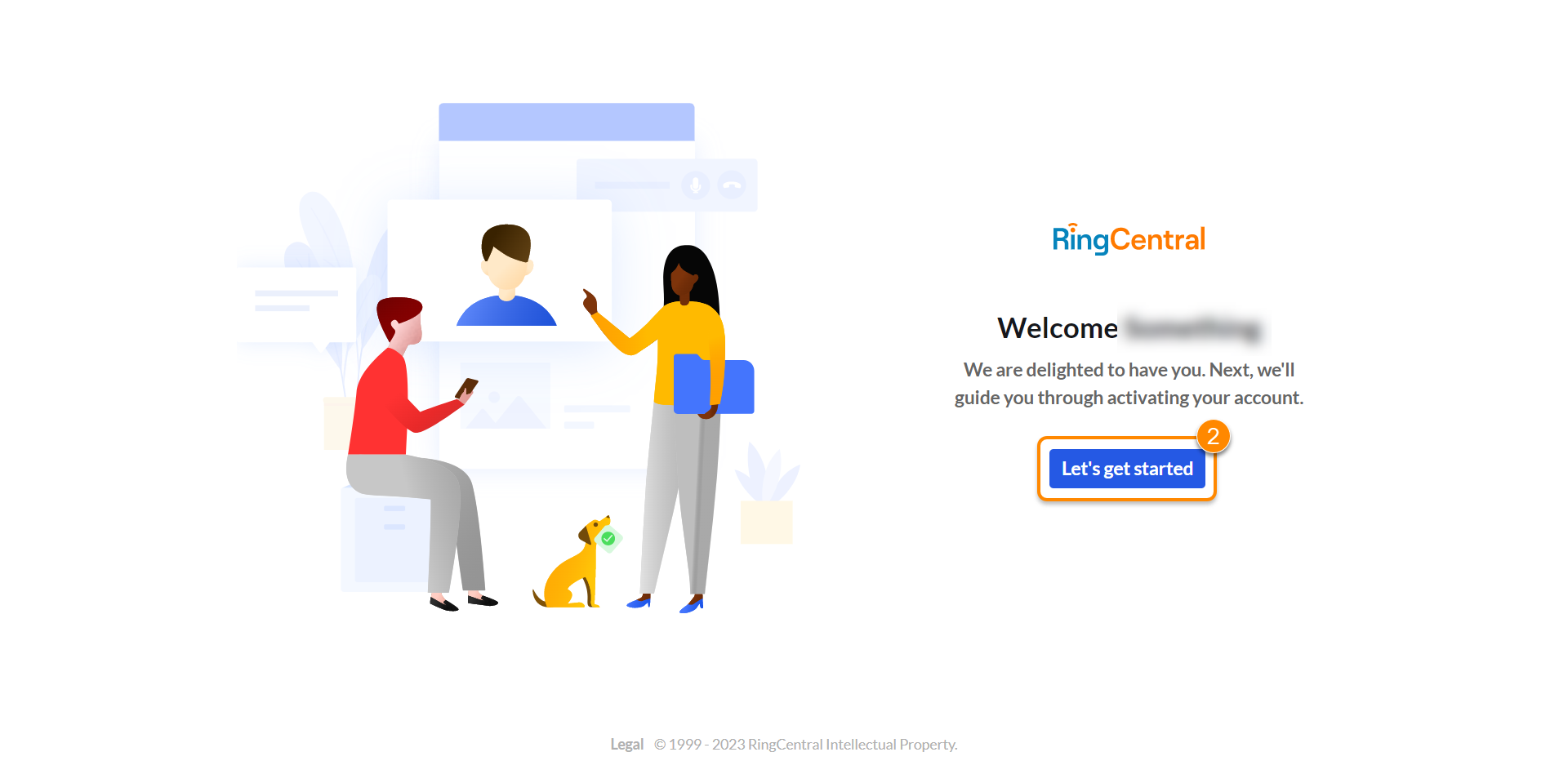
  ![Start account activation](https://assets.ringcentral.com/content/dam/xml-assets/doc_team/en_us/ringcentral/mvp/Get_Started/Activating-your-account/images/RC-RCapp-letsgetstarted.png)
  *  
  Confirm your company's location, then click **Register my location** .  
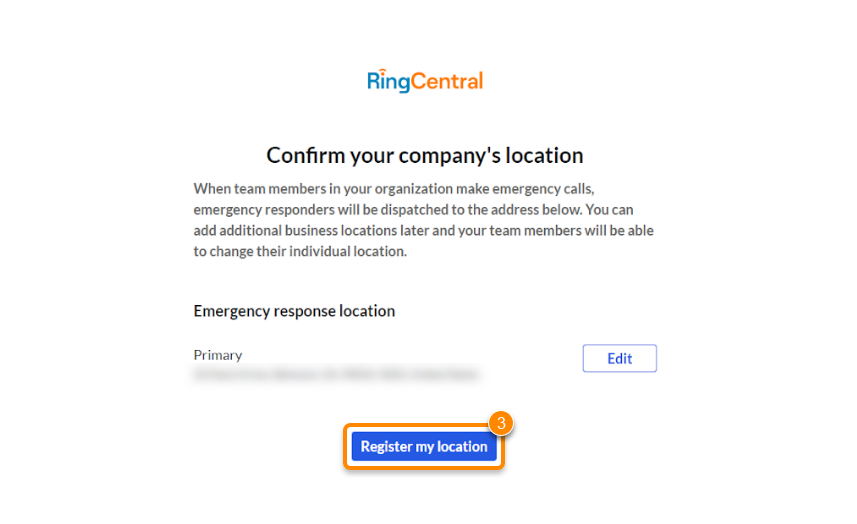
  ![Register location](https://assets.ringcentral.com/content/dam/xml-assets/doc_team/en_us/ringcentral/mvp/Get_Started/Activating-your-account/images/RC-RCapp-registerlocation.png)

  * If you need to edit your company's location, click **Edit**.
  Note: EU customers won't be asked for an emergency response location.
  *  
  Set your password, then click **Activate my account**.
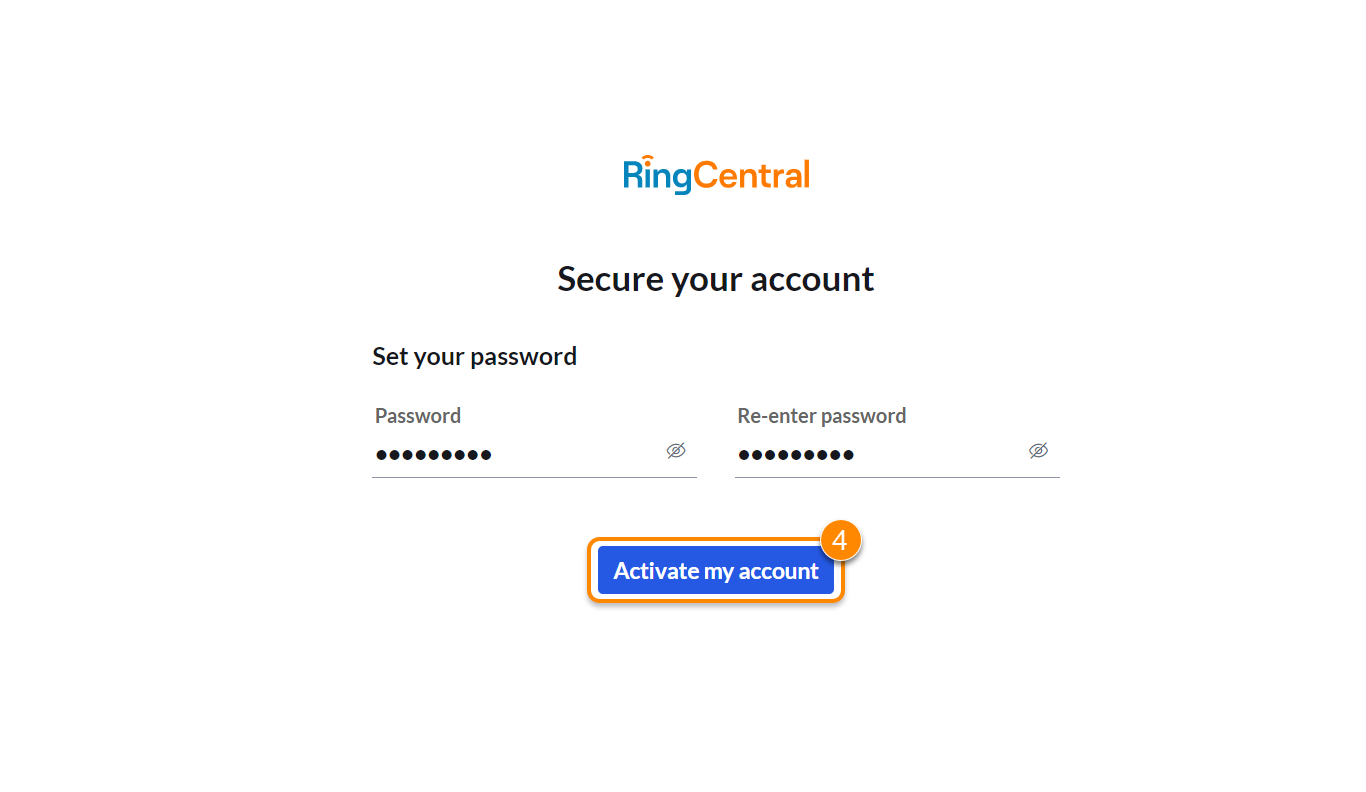
  ![Set up password and activate account](https://assets.ringcentral.com/content/dam/xml-assets/doc_team/en_us/ringcentral/mvp/Get_Started/Activating-your-account/images/RC-RCapp-activateaccdesk.png)
* Download and launch [the RingCentral app](https://www.ringcentral.com/download.html "") or use the web browser.

## Mobile

* Tap **Set up your account** in the activation email.  

  ![Activate Account](https://assets.ringcentral.com/content/dam/xml-assets/doc_team/en_us/ringcentral/mvp/Get_Started/Activating-your-account/images/set-up-account-activation.png)
  *  
  Once redirected, tap **Let's get started**.

  ![Start activating account](https://assets.ringcentral.com/content/dam/xml-assets/doc_team/en_us/ringcentral/mvp/Get_Started/Activating-your-account/images/RC-RCapp-ltsgtstrtd.png)
  *  
  Tap **Call me** to verify your mobile number.

  ![Verify mobile number](https://assets.ringcentral.com/content/dam/xml-assets/doc_team/en_us/ringcentral/mvp/Get_Started/Activating-your-account/images/RC-RCapp-cllme.png)
  *  
  Enter your verification code, then tap **Verify my mobile number**.

  ![Enter verification number to complete mobile verification](https://assets.ringcentral.com/content/dam/xml-assets/doc_team/en_us/ringcentral/mvp/Get_Started/Activating-your-account/images/RC-RCapp-vrfynmbr.png)
  *  
  Confirm your company's location, then tap**Register my location**.

  ![Register your location](https://assets.ringcentral.com/content/dam/xml-assets/doc_team/en_us/ringcentral/mvp/Get_Started/Activating-your-account/images/RC-RCapp-rgstrloc.png)  
  Note: EU customers won't be asked for an emergency response location.
  *  
  Set your password, then tap **Activate my account**.

  ![Set up password and activate account](https://assets.ringcentral.com/content/dam/xml-assets/doc_team/en_us/ringcentral/mvp/Get_Started/Activating-your-account/images/RC-RCapp-actmyacct.png)
* Download and launch [the mobile app](https://www.ringcentral.com/download.html "").