


App downloads for MiCloud by RingCentral
Download desktop and mobile applications associated with MiCloud by RingCentral.
MiTeam Meetings for Windows and Mac
Make the most of every meeting.
- Schedule meetings in advance with calendar integrations
- Start live video sessions in seconds from a chat or call
- Get a complete view of everyone in the meeting with 16-person multi-pane viewing
- Grant center stage to presenters with active speaker windows
- Display and whiteboard ideas in real time with screen sharing
- Send important meeting documents through file sharing
- Keep track of important discussions with persistent chat logs

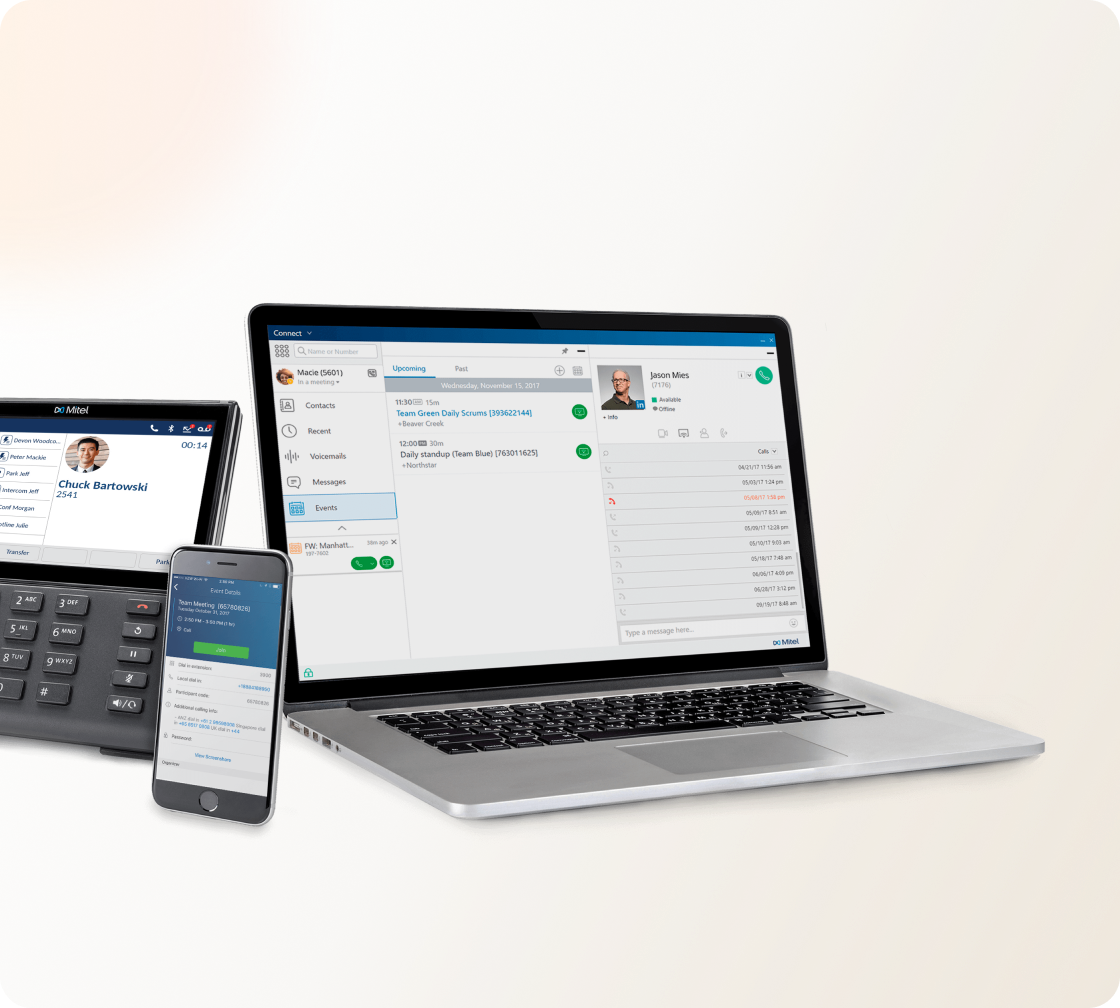
MiCloud Client for Windows and Mac
However you work, MiCloud Client keeps you connected.
- Search the directory for colleagues
- Dial with one click
- Listen to voicemails and return calls with one click
- Schedule and join meetings
- Share your screen
- Set up call routing rules
- Set your availability state and let others know how to contact you
Note
Downloads are non-Admin versions of MiCloud Client. Make sure to uninstall earlier versions before installing this latest one.
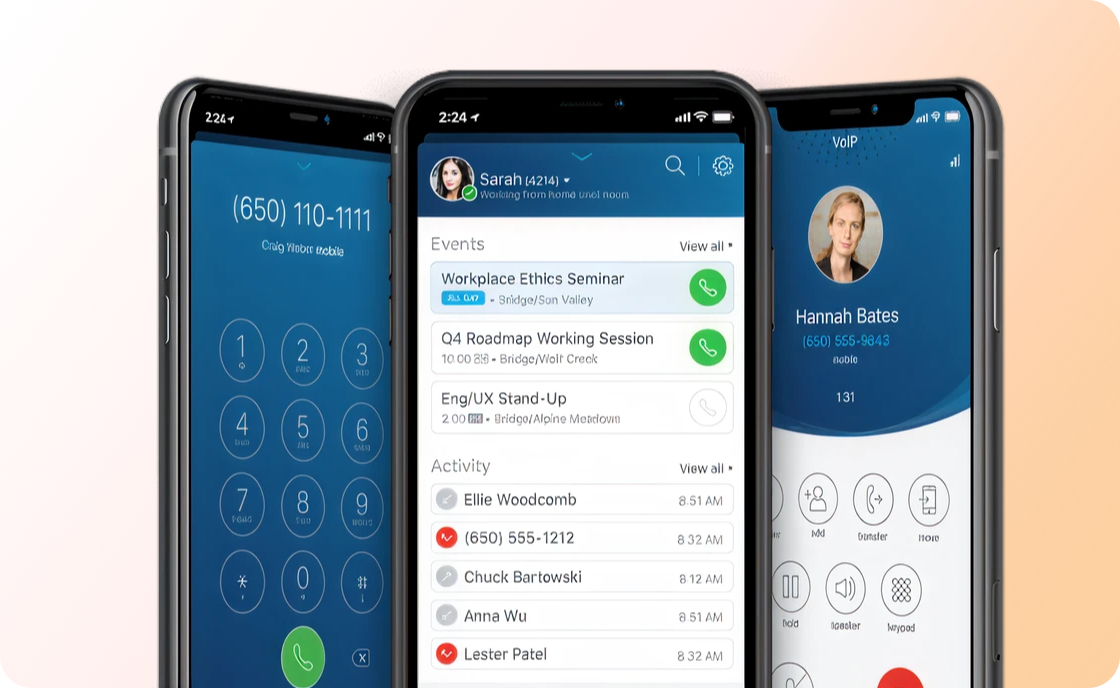
MiCloud Connect for mobile
The power of MiCloud by RingCentral in your pocket.
- Join meetings on the go with one tap
- View the screen share during your meetings
- Make and return calls using your business number
- Transfer your callers to colleagues
- Listen to voicemails and return calls with one tap
- Set your availability state and let others know how to contact you
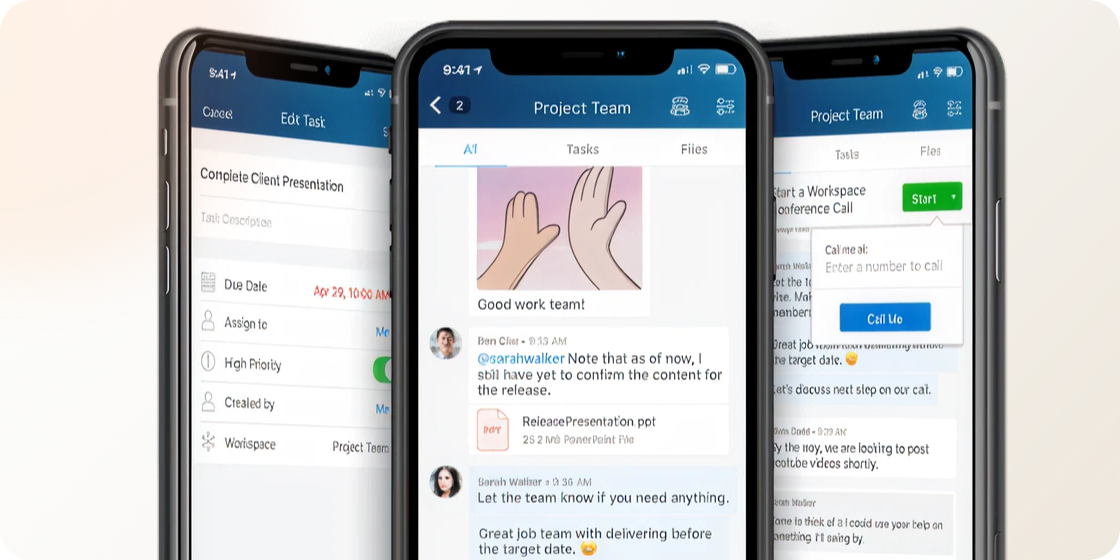
Teamwork for iOS and Android
Chat with your team on the go and always stay in sync.
- IM your colleagues
- Chat in collaborative workspaces built for projects or teams
- Share files and presentations on the go
- Create and assign tasks to teammates
MiCloud Connect for Chrome
With the MiCloud Connect for Chrome extension, you can stay in sync at your desk or wherever you sit. The Chrome extension provides a seamless unified communications experience between MiCloud and Google G Suite.
- Search for contacts, view their presence
- Place your call on your softphone or control your desk phone
- Transfer calls (blind and consultative)
- Set your presence and let others know how to reach you, or automatically
sync your presence with your calendar events
- Integrate your G-Suite account and make your G-Suite contacts
searchable in the Chrome client
- Create invitations to MiCloud conferences in Google calendar
- Join MiCloud conferences with just one click
- Dial phone numbers on a web page with one click
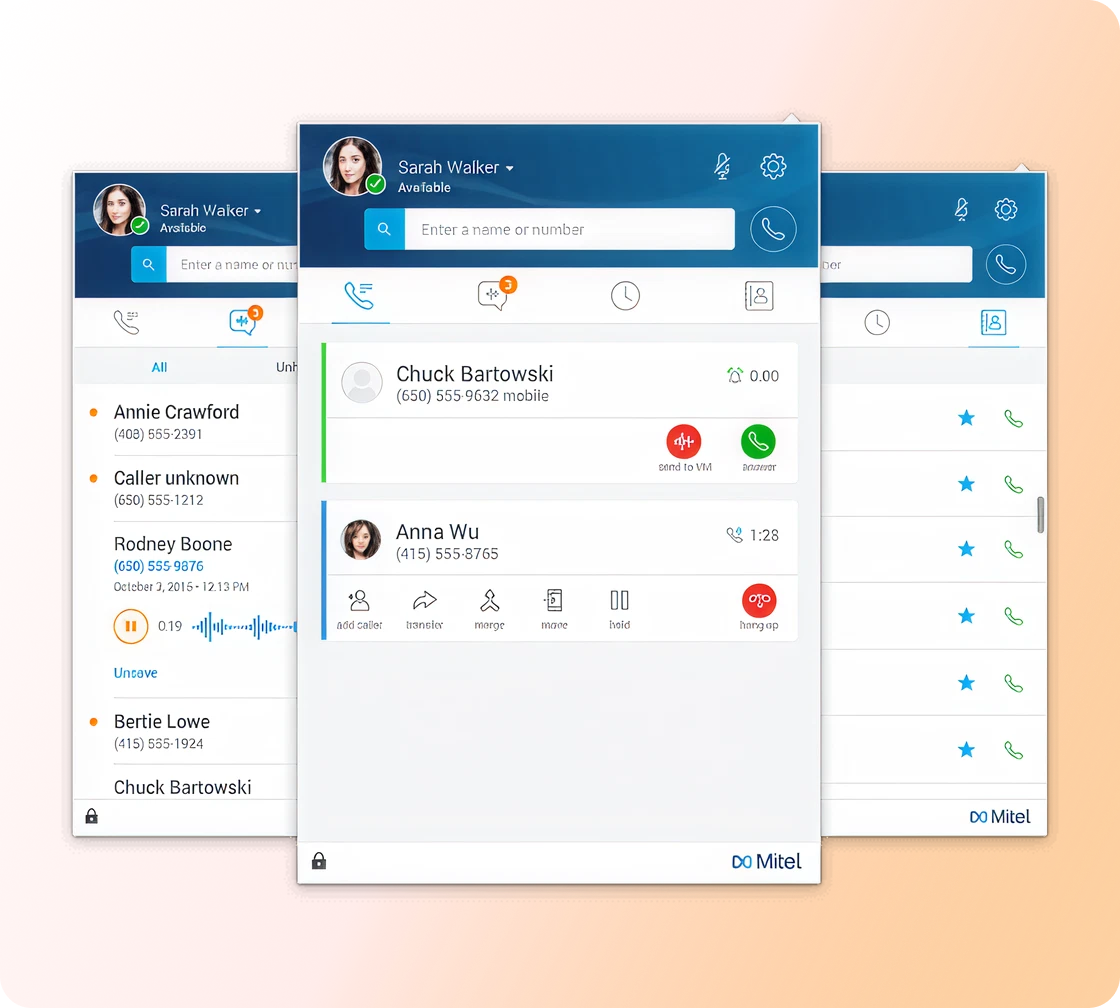

Telephony for Microsoft
The Telephony for Microsoft client docks at the bottom of your Skype for Business client so that you can use both tools in a streamlined fashion. The Telephony for Microsoft client is specifically oriented to customers that prefer the collaboration tools of Skype for Business, but wish to have the robust telephony service provided by the MiCloud solution.

Dialer for Windows
Make a call from popular Windows apps like Microsoft Office.
- Using the configured hot key or clicking on a tray icon, you can dial from
phone numbers in Windows applications such as:
- Word documents
- Excel spreadsheets
- 3rd party, Windows-based apps
- Word documents
- Configure your own hot key combination